
auto
Kush Media Nail Designer
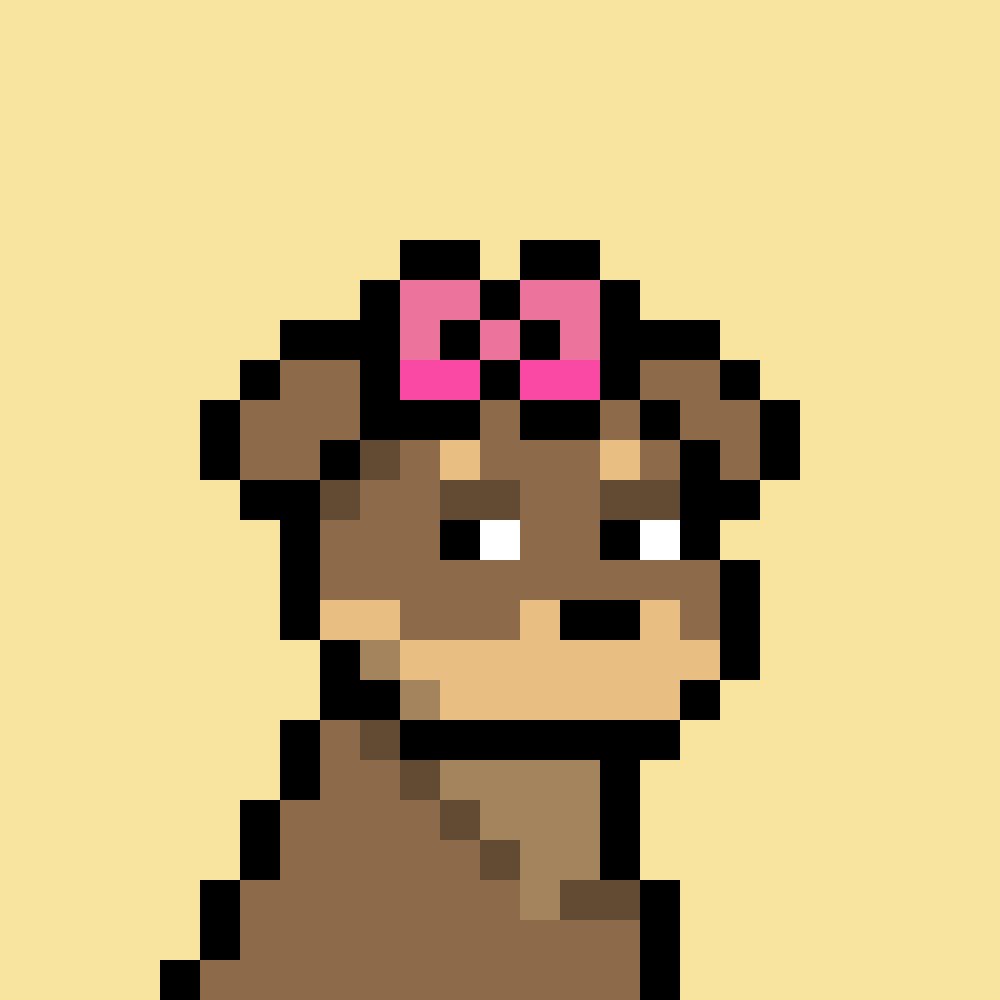
Build a five-nail set from any Doginal Dog inscription.
Enter an inscription number, choose a style, then toggle brand assets onto each nail. Colors are extracted from the inscription palette automatically.
Woof! Woof!
Workflow
Setup
Ready to generate.
Extracted Palette
Five-Nail Preview
Click a nail to select it, then assign assets below.
auto
auto
auto
auto
Asset Assignment
Toggle brand images onto each nail. Enabled assets appear as overlays.
Asset
Thumb
Index
Middle
Ring
Pinky
Active: Thumb
Select a nail above, then adjust its overlays here.